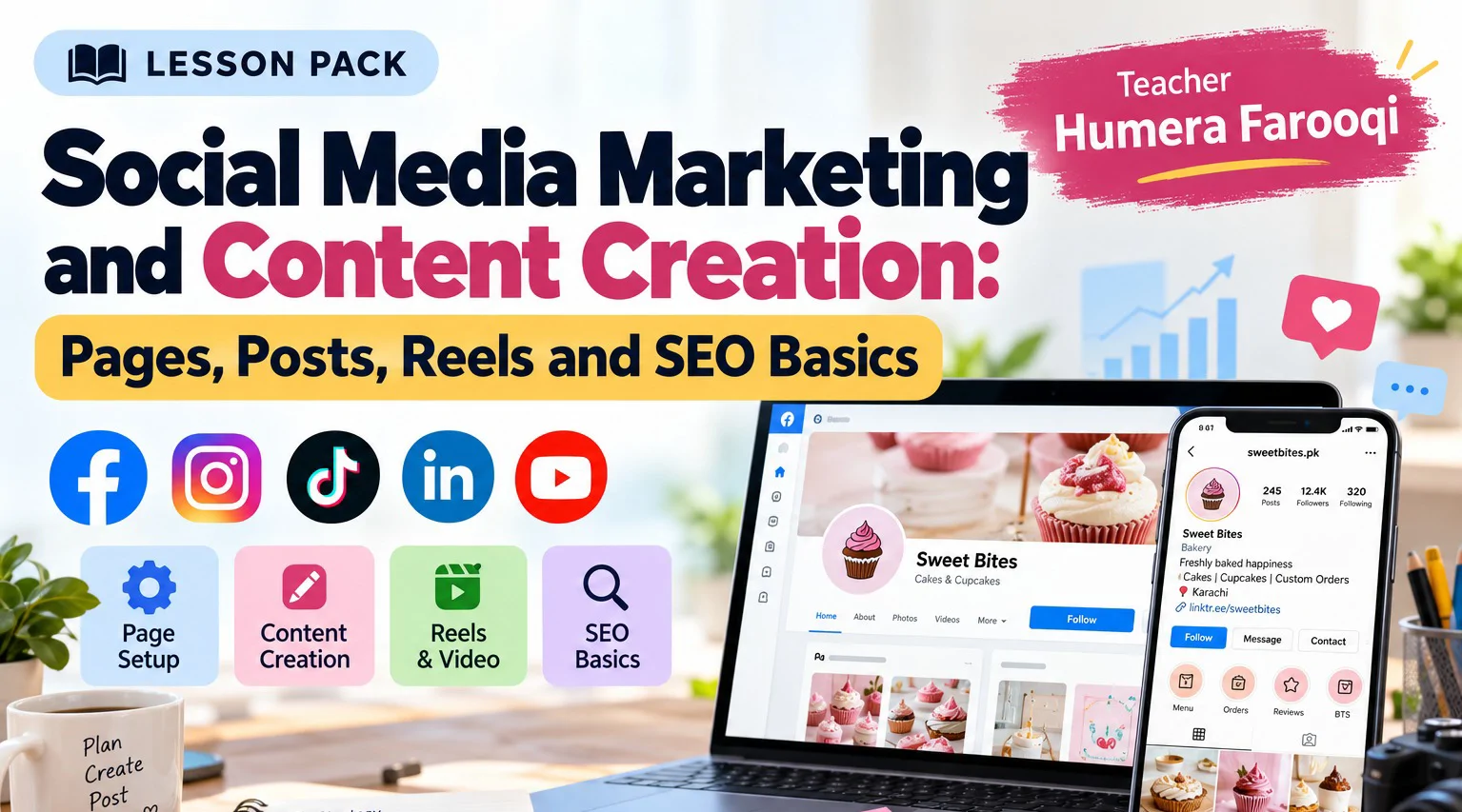

Two pages sell the same cupcakes. One has a clear name, a complete About section, a call-to-action button and a week of scheduled posts. The other has a blurry logo and nothing else. This pack teaches you to build the first kind. Over ten one-hour sessions you pick the platforms that fit, set up and optimize a Facebook business page and an Instagram professional profile, make both easy to find, and manage them with Meta Business Suite. You then build the content behind them: content pillars, captions written with proven frameworks, designs made in Canva with responsible use of AI tools, short-form video plans, and the SEO fundamentals that help people find you through search. Every session closes with a hands-on task, done on a page of your own or a practice page, and you end with a working page, a polished profile and a seven-day content calendar ready to publish.
Session# 1: Social Media Marketing Fundamentals
1Hr
Not every platform suits every business. Compare Facebook, Instagram, TikTok, LinkedIn and YouTube, see what each audience expects, and understand the difference between organic and paid social media marketing. You then set clear social media objectives for a business. For the practical, choose the best platforms for a business and explain your reasons.
Session# 2: Facebook Business Page Setup
1Hr
Build the page step by step: choose the category and username, upload the profile and cover images, write the About section, add contact details, pick the call-to-action button, and manage page access with sensible security settings. You work on a page of your own or a practice page, either creating a new Facebook business page or optimizing an existing one.
Session# 3: Instagram Professional Account Setup
1Hr
Switch to a professional account and set it up properly: an optimized bio, a clear profile image, contact buttons, story highlights, a link in bio and a connection to your Facebook page, plus a tour of Instagram's business tools. You finish by optimizing an Instagram business profile so that a first-time visitor understands the offer within seconds.
Session# 4: Social Media Page SEO
1Hr
Make your pages easy to find. Learn how search-friendly page names, usernames, bios and descriptions work, where keywords belong, how to add image alt text where the platform supports it, and how hashtags and location tags improve discoverability. The practical: optimize a Facebook page and an Instagram bio with relevant keywords.
Session# 5: Social Media Management
1Hr
Running a page day to day is a skill of its own. Explore Meta Business Suite, set page roles, manage the inbox and comments, create saved replies, adjust notifications, schedule posts and look after a growing community. You schedule a real post and leave with a basic page-management checklist you can reuse every week.
Session# 6: Content Marketing Strategy
1Hr
Content works when it gives the audience something of value. Learn the content pillars approach and the four kinds of content (educational, promotional, entertaining and inspirational), see how content moves people through a funnel, and keep audience value at the center of every idea. The practical: select five content pillars for a business.
Session# 7: Copywriting and Caption Writing
1Hr
Strong captions begin with a strong hook. Study headlines and hooks, the AIDA and PAS frameworks, the difference between benefits and features, storytelling, and calls to action (CTAs) that people actually follow. Then write three promotional captions for a product or service and refine each one with feedback.
Session# 8: Content Creation with Canva and AI Tools
1Hr
Turn ideas into finished posts. Design in Canva with the right image sizes, keep the brand look consistent, repurpose one idea into several formats, and use AI tools to brainstorm while staying responsible about accuracy and originality. For the practical, design one social media post and write its caption.
Session# 9: Reels, Stories and Video Marketing
1Hr
Short video is where many small businesses now win attention. Plan a short-form video strategy, write hooks and simple scripts, keep viewers watching, borrow from trending formats sensibly, use stories to drive engagement, and design thumbnails and video calls to action. You prepare a plan for a 15 to 30 second promotional video, then place it in a seven-day content calendar together with your post and caption from the previous session.
Session# 10: SEO Fundamentals and Keyword Research
1Hr
See how search engines find, rank and show pages, then learn about search intent, the difference between short-tail and long-tail keywords, and the way to pick keywords worth targeting. You apply the basics of on-page SEO, including headings and meta descriptions. For the practical, find five relevant keywords for a business website or service page.
Choose the best social media platforms for a business and explain your reasons
Set up and optimize a Facebook business page, from About section to call-to-action button
Set up an Instagram professional profile that a first-time visitor understands in seconds
Make pages easy to find with search-friendly names, bios, keywords and hashtags
Manage a page in Meta Business Suite: inbox, saved replies, roles and scheduled posts
Plan content around five content pillars and write captions with the AIDA and PAS frameworks
Design posts in Canva and use AI tools to brainstorm responsibly
Plan a short promotional video and place it in a seven-day content calendar
Find five relevant keywords for a business and apply on-page SEO basics
A Facebook account and an Instagram account to work with
A page of your own, or a practice page, for the hands-on tasks
A Canva account for the design session
| Language | Spoken Level |
|---|---|
| Urdu |
|
| English |
|
No reviews yet for this teacher.