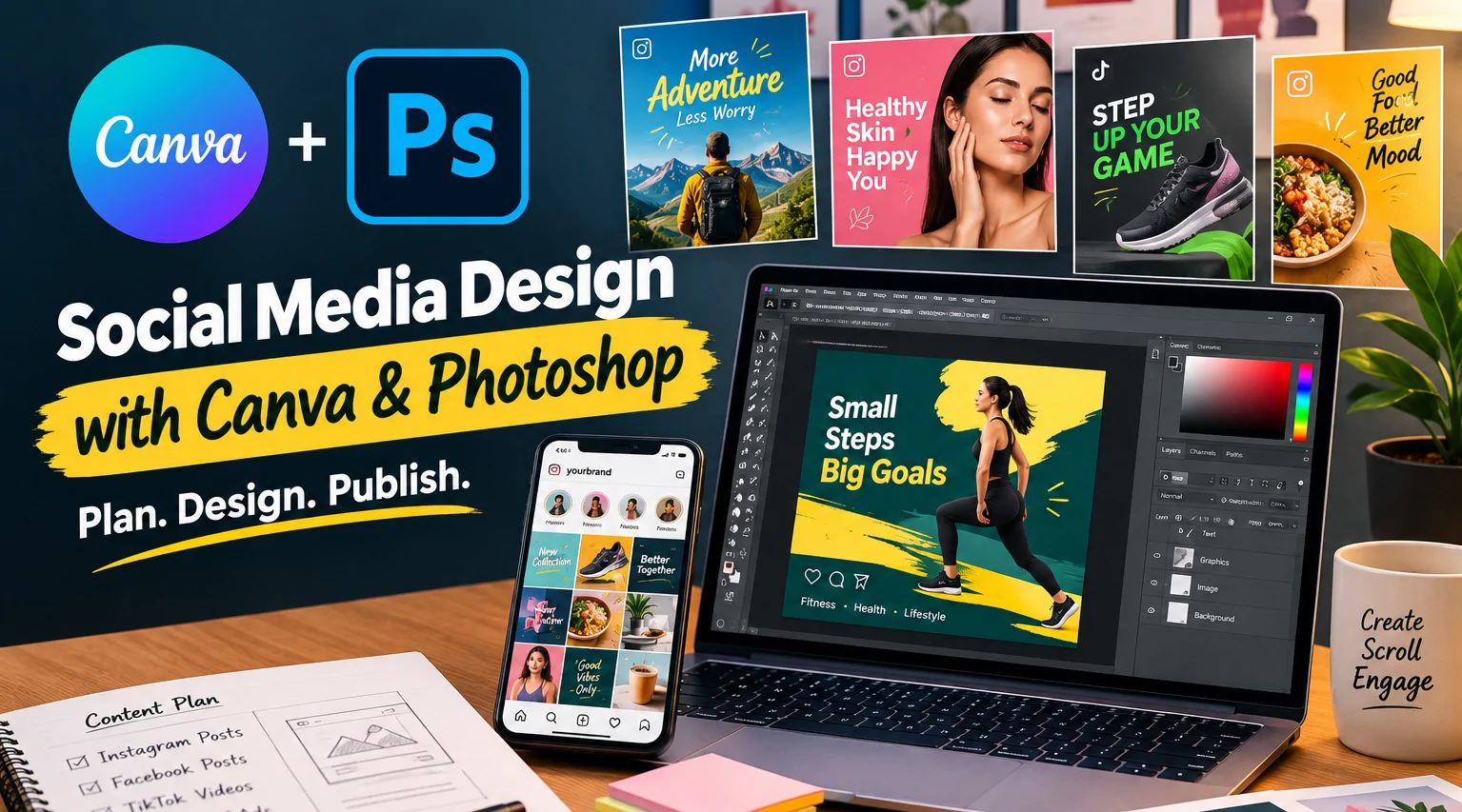
Design social media content the way it is done for real campaigns - not just one-off graphics. These 1:1 sessions cover platform-specific design principles, basic Photoshop image prep, a fast Canva content workflow, and planning a cohesive multi-post campaign.
Session# 1: Social Media Design Fundamentals
1Hr
Platform-specific sizing, visual hierarchy, and the design principles behind posts that actually perform.
Session# 2: Photoshop Basics for Social Media Graphics
1Hr
Get comfortable with the Photoshop workspace and canvas setup for social media sizes, then practice the Crop, Resize, and basic photo adjustment tools you will use to prep images before bringing them into a design.
Session# 3: Canva for Fast, Professional Content
1Hr
Use templates and brand kits to build a fast, repeatable content system in Canva.
Session# 4: Designing a Social Media Campaign
1Hr
Plan and design a cohesive multi-post campaign around a real product or service.
Session# 5: From Concept to Publish-Ready Content
1Hr
Export settings, content calendars, and a practical workflow for delivering content on schedule.
Apply platform-specific sizing and visual hierarchy principles that make posts perform better.
Prepare and adjust images in Photoshop - cropping, resizing, and basic edits - before dropping them into a design.
Use templates and brand kits in Canva to build a fast, repeatable content system.
Plan and design a cohesive multi-post campaign around a real product or service.
Export content correctly and build a practical publishing workflow.
No prior design experience required.
A free or paid Canva account.
A computer with Adobe Photoshop installed (trial or licensed).
Basic computer and internet skills.
| Language | Spoken Level |
|---|---|
| Urdu |
|
| English |
|
No reviews yet for this teacher.