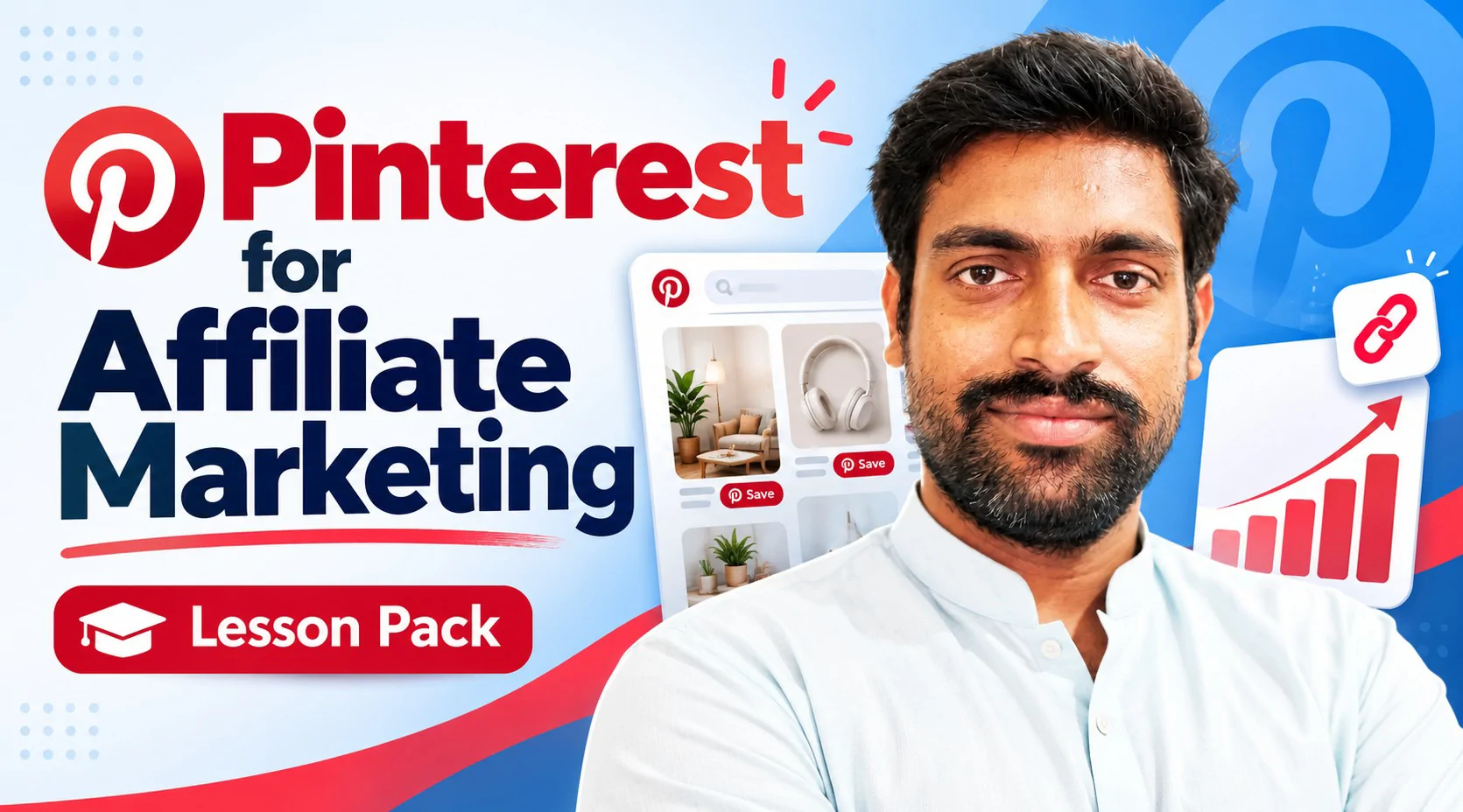

Pinterest works like a search engine for ideas, and affiliate marketers use it to send people from a pin to a product page. Over five live sessions with your teacher you set up a business account, choose a niche, design image and video pins in Canva, publish them with the right keywords, organize your boards and follow a routine that helps the account grow steadily. From the second session on, you work on your own account, which leaves you with a real profile and real pins, not just notes. This pack is made for beginners and needs no earlier Pinterest experience. A phone or laptop, an email address and a free Canva account are enough to start. The pack promises no traffic, sales or income.
Session# 1: Pinterest Basics for Affiliate Marketers
1Hr
See what Pinterest really is: a place where people search for ideas and save the ones they like, not a feed of friends' updates. You look at how accounts and boards fit together, why this suits affiliate marketing, who the audience is and how to decide which group your pins are for. The session ends with the habits that help an account and the mistakes that can put it at risk.
Session# 2: Creating and Optimizing a Business Account
1Hr
Open a Pinterest account, or switch a personal one to a business account, and see what the business version adds. Choose the niche and the kind of products you want to promote, then set up the profile so people searching Pinterest can find it: a clear name, a short bio and the right keywords. If you have a website or blog, you also claim it on Pinterest.
Session# 3: Designing Image and Video Pins in Canva
1Hr
A pin has to earn a click, so this session is about design. Compare the tools used to make pins, then build an image pin for a product in Canva, with jewelry as the worked example, and a matching pin for your own brand. You finish by making a short video pin. Free Canva templates give you a starting point, so no design background is needed.
Session# 4: Publishing Pins and Organizing Boards
1Hr
Put the pins you designed to work. You see which parts of a pin matter most for bringing visitors, how to place keywords in titles and descriptions, and how to create boards that each cover one clear topic. Then you publish an image pin and a video pin on your own account, step by step, and check how each one appears.
Session# 5: Growing Your Account Step by Step
1Hr
Pinterest grows slowly and rewards steady effort, so this session builds the routine. You go through the tricks that help an account grow faster, check your account against everything covered so far and fix whatever is missing. You leave with a simple pinning plan for the coming weeks and a short list of what to do next.
Explain how Pinterest works as a search tool and why affiliate marketers use it
Open a business account and set up a profile that people can find in search
Choose a niche and the products you want to promote
Design image and video pins in Canva that fit your niche
Publish pins with keywords in the title and description and sort them into boards
Follow a simple posting routine that helps the account grow steadily
A laptop or phone and an email address to open a Pinterest account
A free Canva account for designing the pins
No earlier Pinterest experience is needed
I’m a Digital Marketing & SEO Specialist and trainer with 3+ years of hands-on experience helping businesses improve their online visibility, traffic, content, and marketing performance. My areas of expertise include: Search Engine Optimization (SEO) Keyword Research & Search Intent On-Page & Technical SEO Google Search Console Content Marketing Social Media Marketing Email Marketing & Automation eCommerce Marketing WordPress & Shopify Competitor Analysis Link Building & Off-Page SEO Digital Marketing Strategy What I Teach My goal is to make digital marketing simple, practical, and easy to apply. Instead of focusing only on theory, I explain concepts through practical examples and step-by-step workflows. Whether you're a beginner starting your digital marketing journey, a freelancer looking to improve your skills, a business owner wanting to understand online marketing, or someone preparing for a digital marketing career, I can help you build practical skills.
| Language | Spoken Level |
|---|---|
| Urdu |
|
| Hindi |
|
| English |
|
No reviews yet for this teacher.