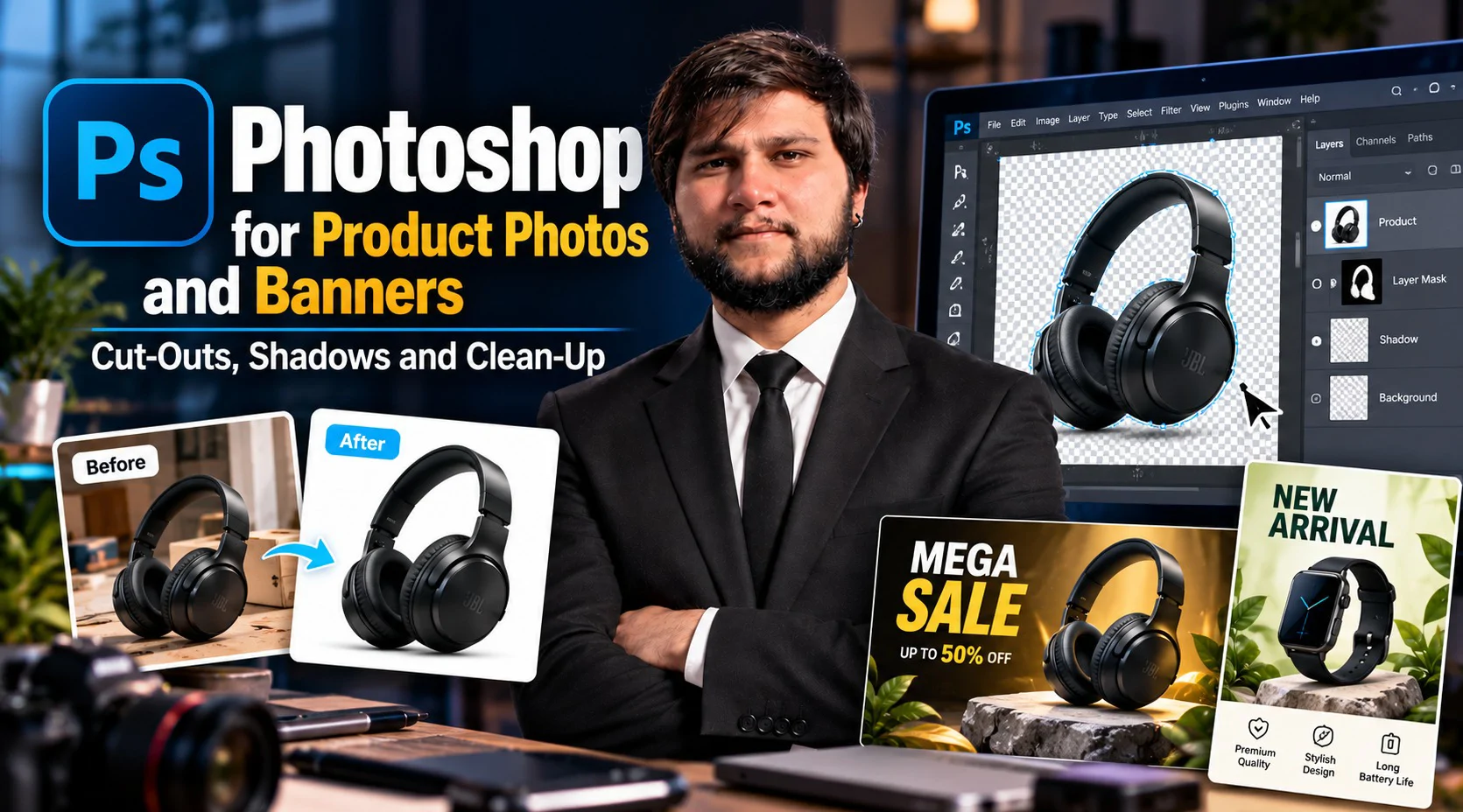


A phone photo with a messy table behind the product, a harsh shadow and a slightly yellow tint is where most sellers start. This pack takes that photo to a listing-ready image in Photoshop and then builds banners and ad graphics around it. The five sessions cover the parts of Photoshop that online selling actually uses: layers, selections and masks, retouching and color correction, backgrounds and shadows, and clean exports at marketplace and web sizes. You practice on product photos you bring, or on a sample set if you have none, and you finish with an edited product set and a sale banner. No Photoshop experience is needed; you need a laptop with Photoshop installed.
Session# 1: Workspace, Documents and Layers
1Hr 30Min
Photoshop looks crowded until you know which few panels matter. Set up a document at the right size and resolution for web or print, see how layers, groups and smart objects keep every edit reversible, and build the habit of saving a working file before exporting a finished one. A short practice file ties the pieces together.
Session# 2: Selections and Masks
1Hr 30Min
Cutting a product out cleanly is the skill most product edits depend on. Work with the quick selection and object selection tools, refine tricky edges such as fabric, glass and fine outlines, and use layer masks and clipping masks so nothing is deleted for good. You finish with three clean cut-outs.
Session# 3: Retouching and Color Correction
1Hr 30Min
Dust, scratches, creases and a color cast all show up in a product photo. Clean them up with the healing and clone tools, fix brightness and contrast with levels and curves, and correct the white balance so the colors match the real item. The aim is a photo that looks like what the buyer will receive.
Session# 4: Backgrounds, Shadows and Composites
1Hr 30Min
Place the product on a pure white background for marketplace listings, then on a styled scene for ads. Build a natural drop shadow and a soft reflection, match the direction of light when you combine images, and use blend modes to settle the product into a scene. Where your version of Photoshop includes generative tools, you test them on backgrounds only and see why the product itself should remain a real photo.
Session# 5: Text, Banners and Export
1Hr 30Min
Turn the edited photos into sale banners and ad graphics with clear headlines, readable type and layer styles. Resize for the places you publish, such as a marketplace listing, the top of your online store and a social post, and export with the right format and file size so images stay sharp and load fast. The pack ends with your finished set: edited product images and one sale banner.
Set up documents and work with layers, groups and smart objects
Cut products out cleanly with selections and masks
Retouch dust, scratches and color casts in product photos
Place products on white and styled backgrounds with natural shadows
Build sale banners and ad graphics with readable type
Export images at the right size and format for marketplaces and social media
A laptop with Photoshop installed
A few product photos taken on a phone, or use a sample set
A stable internet connection
Results-driven E-Commerce Specialist with extensive experience in building, scaling, and optimizing profitable online stores across major platforms like Amazon, Shopify, Daraz, and WooCommerce. Proven expertise in product research, digital marketing, conversion rate optimization (CRO), and end-to-end store operations. Passionate about empowering the youth and digital entrepreneurs by bridging the gap between theory and practical, market-ready skills. Key Expertise: Platforms: Shopify, Amazon (FBA/FBM), WooCommerce, Daraz setup & management. Marketing & Growth: Meta/Google Ads, SEO, social media strategy, and sales funnels. Operations: Inventory management, product listing optimization, and customer analytics. Teaching Approach: I believe in a practical, hands-on learning approach. My goal is to equip students with real-world skills to launch successful online stores, master digital business, and achieve financial independence.
| Language | Spoken Level |
|---|---|
| Urdu |
|
| English |
|
No reviews yet for this teacher.