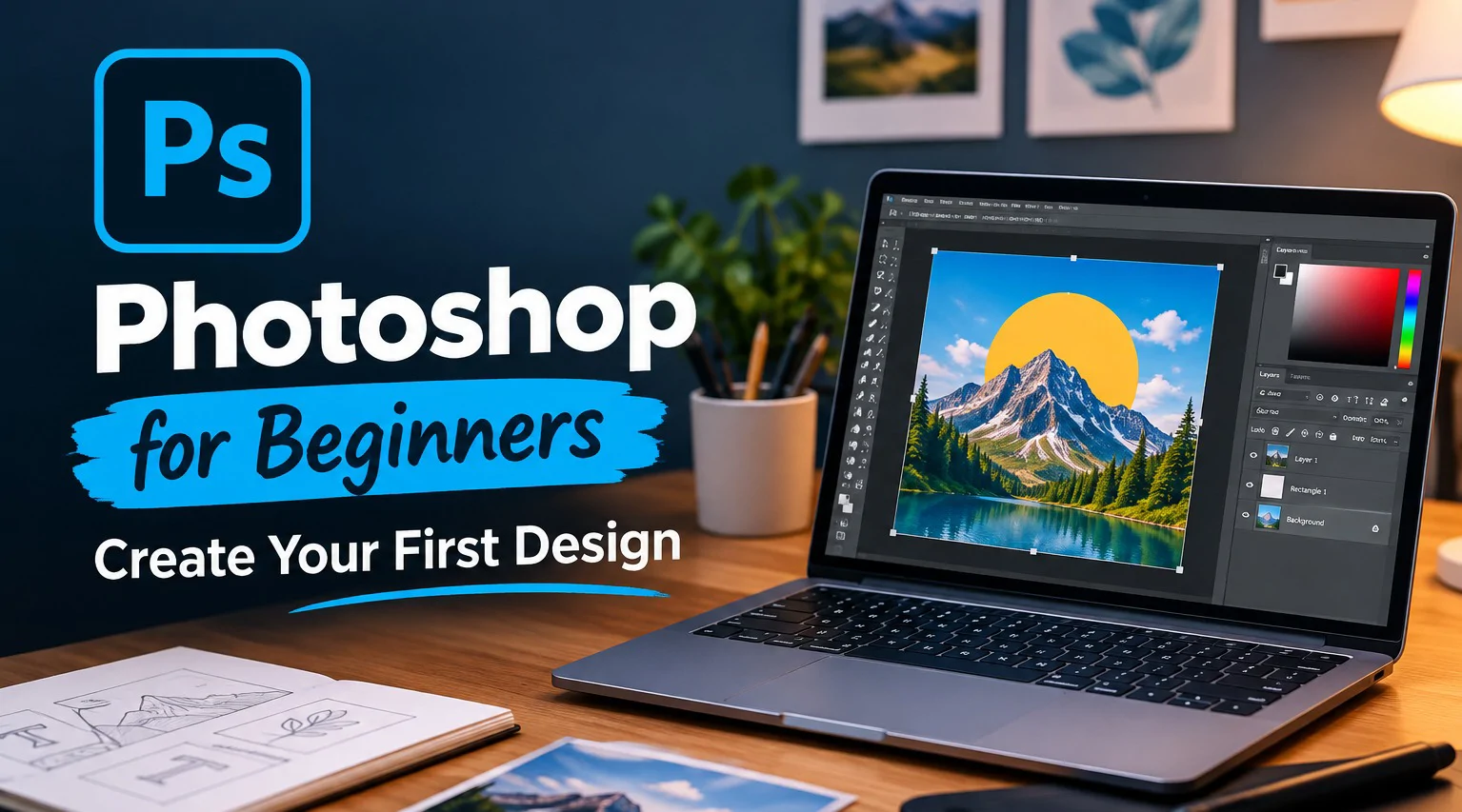
Learn Adobe Photoshop from scratch - no prior experience needed. These 1:1 sessions cover the workspace, core tools, layers, and non-destructive editing, building up to designing and exporting a finished flyer or social post of your own.
Session# 1: Getting Started: Interface, Workspace & Files
1Hr
Find your way around the workspace, panels, and menus, and set up and save a file the right way from the start.
Session# 2: Toolbox Essentials, Part 1: Selecting & Navigating
1Hr
Get hands-on with the Move, Marquee, Lasso, and Crop tools, plus zooming and moving around the canvas confidently.
Session# 3: Toolbox Essentials, Part 2: Editing & Creating
1Hr
Get hands-on with the Brush, Eraser, Clone Stamp, Type, and Shape tools - the ones you will reach for in almost every project.
Session# 4: Layers & Non-Destructive Editing
1Hr
Understand how layers work together so you can edit freely without ever damaging your original image.
Session# 5: Photo Editing & Color Adjustments
1Hr
Practice cropping, resizing, brightness and contrast, and color correction on real photos.
Session# 6: Typography, Composition & Your First Project
1Hr
Bring it all together - design and export a simple flyer or social post from start to finish.
Navigate the Photoshop workspace confidently and set up and save files correctly.
Use the core selection, navigation, editing, and creation tools needed in almost every project.
Work with layers to edit non-destructively without damaging the original image.
Adjust brightness, contrast, and color on real photos.
Combine type, shapes, and composition to design and export a finished flyer or social post.
No prior Photoshop or design experience required - built for complete beginners.
A computer with Adobe Photoshop installed (trial or licensed).
Basic computer skills (opening files, using a mouse or trackpad).
| Language | Spoken Level |
|---|---|
| Urdu |
|
| English |
|
No reviews yet for this teacher.