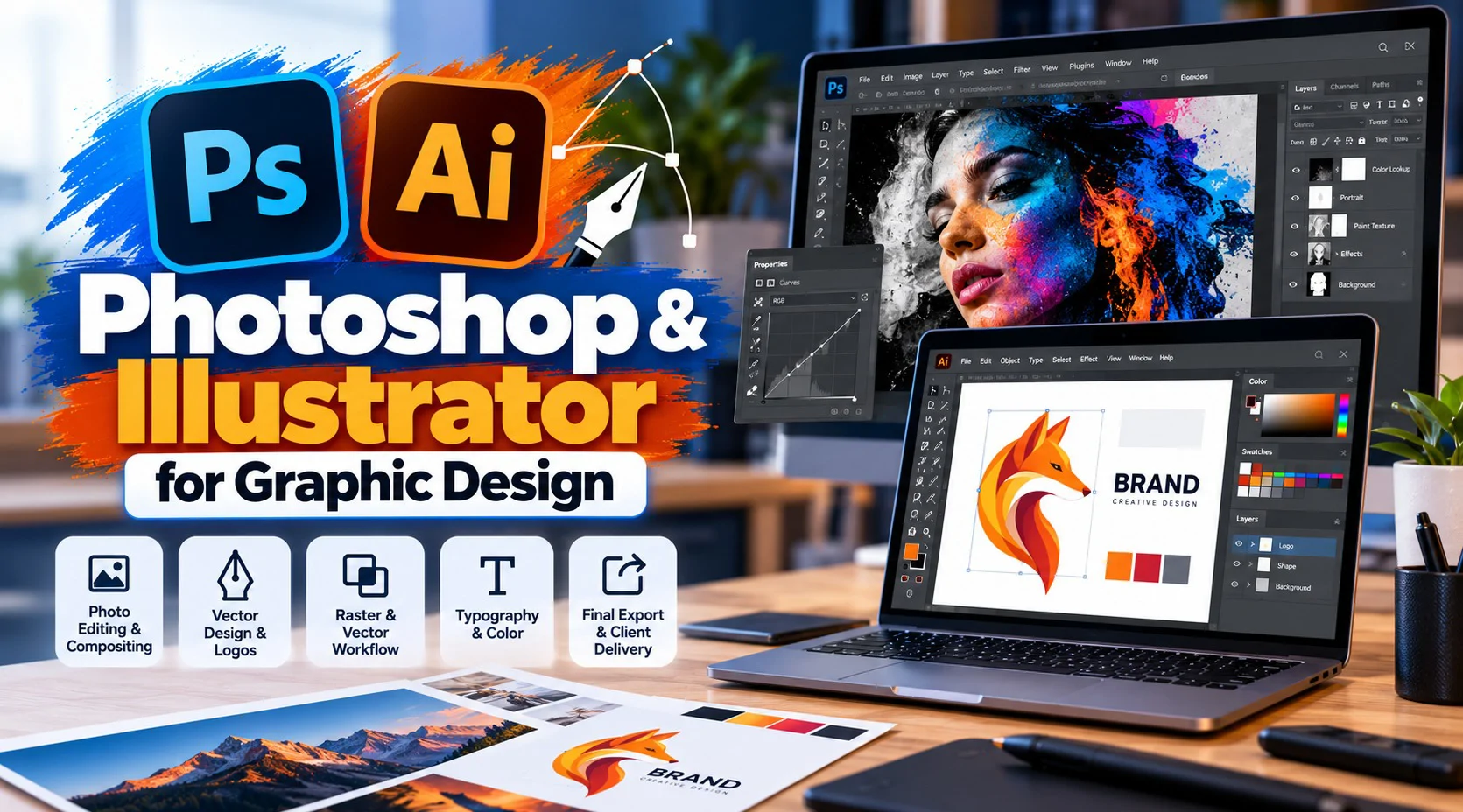
Photoshop and Illustrator do different jobs, and knowing when to switch between them is half the skill. This pack covers both tools at a practical level - photo work, vector work, and the real workflow of moving a project between them - building toward a complete piece you take from brief to final export.
Session# 1: Session 1 - Photoshop Essentials for Client Work
1Hr
Get comfortable with the Photoshop workspace, selections, and layers, applied to real client-style photo editing and compositing.
Session# 2: Session 2 - Illustrator Essentials: Vectors & Logos
1Hr
Build confidence with the pen tool, shapes, and vector basics - the core skill behind building a logo from scratch.
Session# 3: Session 3 - Combining Raster & Vector: A Real Design Workflow
1Hr
Learn how a project actually moves between Photoshop and Illustrator - a photo-based background paired with vector logo and type.
Session# 4: Session 4 - Typography & Color Across Both Tools
1Hr
Apply a consistent type and color system whether you are working in Photoshop or Illustrator.
Session# 5: Session 5 - From Brief to Final Export: A Complete Project
1Hr
Take a design from a client brief to a finished, correctly exported piece, start to finish.
Edit and composite photos in Photoshop with confidence using the workspace, selections, and layers.
Draw vector shapes and build a logo from scratch in Illustrator using the pen tool and basic shapes.
Move a project between Photoshop and Illustrator, pairing a photo-based background with a vector logo and type.
Apply one consistent type and color system across work done in both tools.
Take a design from client brief to a correctly exported final piece, start to finish.
No prior Photoshop or Illustrator experience required.
Access to Adobe Photoshop and Illustrator on your own computer.
A computer that can run both applications comfortably.
I've worked as a professional designer since 2001. My career began at Al Nahda Printing Press in Oman, designing books, magazines, brochures and packaging for print. Since then I've moved into branding, marketing design and web design, working with agencies, educational institutions and international clients, and I'm Top Rated Plus on Upwork. My lessons focus on the skills clients pay for: Adobe Photoshop, Illustrator and InDesign Figma and Canva for fast, professional layouts Logos, brand identity and social media creatives Brochures, catalogues and print-ready artwork Presentations and marketing visuals AI tools like Adobe Firefly in a design workflow Sessions are practical. We work on real briefs, and I explain why a design works, not just which buttons to press. Whether you're a beginner or building a freelance career, you'll finish each lesson with work for your portfolio.
| Language | Spoken Level |
|---|---|
| Urdu |
|
| English |
|
No reviews yet for this teacher.