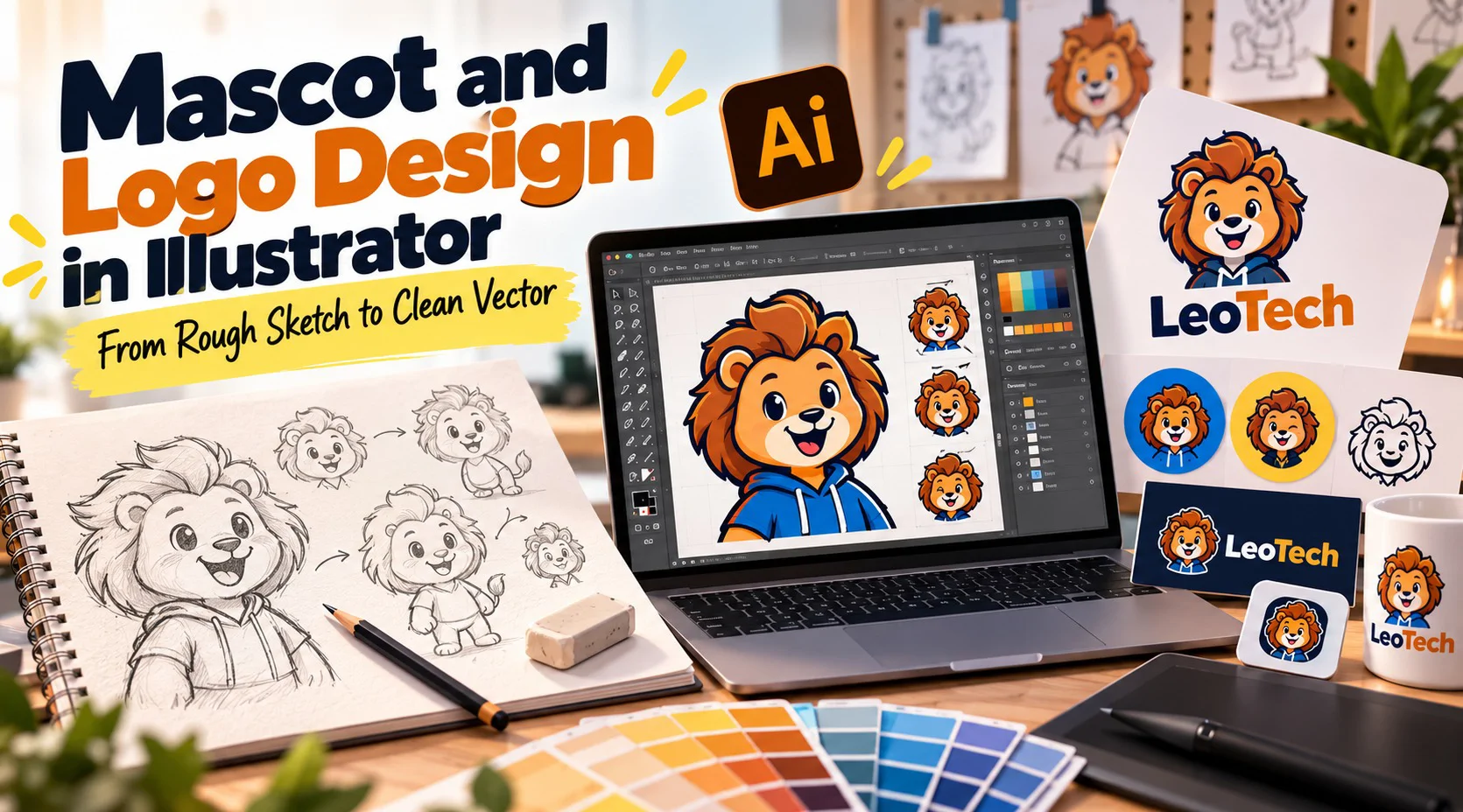


Some brands are remembered for a symbol and others for a character with a face. This pack follows one mascot from a pencil idea to a finished logo set in Illustrator. You sketch rough forms, build the character from simple vector shapes, give it color and a few expressions, and combine it with a brand name in layouts that work on a profile picture, a storefront and a sticker. It is meant for beginners who like drawing or want mascot logos in their portfolio. You need Illustrator (a trial version works), plus a pencil and paper.
Session# 1: What Makes a Mascot Work
1Hr
Look at well-known mascots and notice why they work: a simple outline, a clear personality and a face that still reads when it is small. You pick a brand and a character idea, sketch rough versions on paper, choose the strongest and set up the Illustrator artboard to rebuild it.
Session# 2: Building the Character from Simple Shapes
1Hr
Turn the sketch into vector shapes. You build the character from ellipses and rectangles, merge and cut them with the Pathfinder panel, use the Pen tool for curves that shapes cannot make and keep each part on its own layer so the drawing is easy to change later.
Session# 3: Line, Color and Expression
1Hr
A mascot comes alive through its outline, its palette and its face. You set stroke weights, choose a small set of colors, add flat shading or a simple gradient and draw two or three expressions of the same character so it can smile, wink or look surprised.
Session# 4: From Mascot to Logo Layouts
1Hr
A mascot alone is not yet a logo. You add the brand name, choose a typeface that suits the character and build a stacked layout, a horizontal layout and an icon-only version, then test each one at small sizes and again with one color only.
Session# 5: Brand Sheet and Final Files
1Hr
Close the project with a one-page sheet showing the logo, its colors and its clear space. Export the files a client expects, such as vector, transparent PNG and print-ready PDF, name them clearly and review the whole set against your first sketch.
Judge what makes a mascot work: outline, personality and a face that reads small
Sketch rough character ideas and pick the strongest one
Build a character from vector shapes with Pathfinder and the Pen tool
Give a mascot a small palette and two or three expressions
Combine a mascot with a brand name in stacked, horizontal and icon-only logos
Export a brand sheet plus the vector, PNG and PDF files a client expects
Adobe Illustrator on a laptop or desktop, a trial version is fine
Pencil and paper for rough sketches
No earlier Illustrator experience is needed
I am a passionate and creative Graphic Designer with 3 years of experience in creating modern, engaging, and visually appealing designs. I have a strong understanding of design principles, typography, color theory, and visual communication. I enjoy transforming ideas into creative visuals that effectively communicate a brand’s message. I am detail-oriented, adaptable, and always eager to learn new skills and explore innovative design trends.
| Language | Spoken Level |
|---|---|
| English |
|
| English |
|
No reviews yet for this teacher.