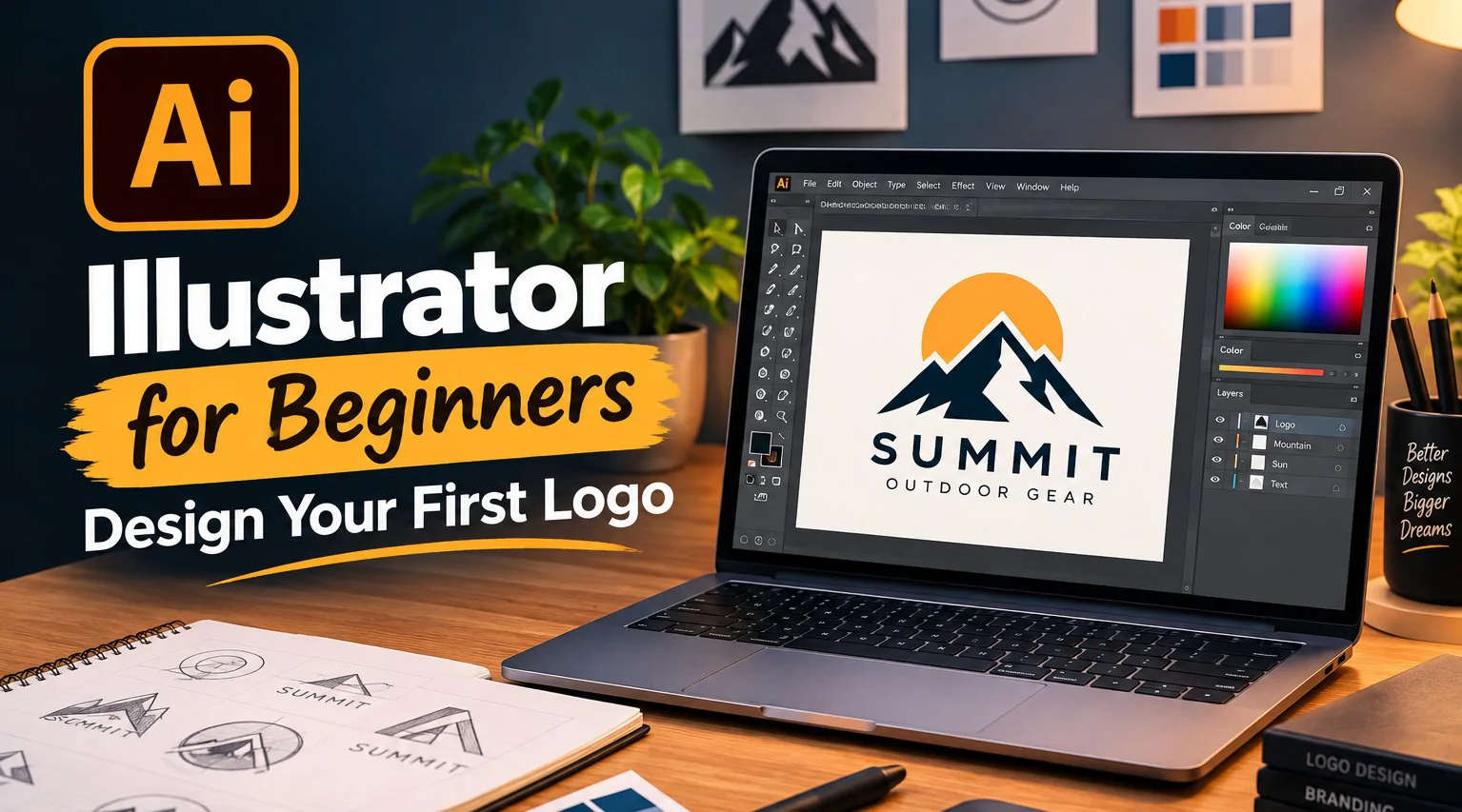


Vector design from the ground up, no prior Illustrator experience required. These 1:1 sessions build up from the basics of the Pen tool to designing and properly exporting a logo concept of your own.
Session# 1: Interface & Vector Basics
1Hr
Get comfortable with the Illustrator workspace and understand what actually makes vector graphics different from photos.
Session# 2: Meet the Illustrator Toolbox
1Hr
Get hands-on with the Selection, Shape, Type, and Eyedropper tools - the everyday tools behind almost every Illustrator project.
Session# 3: The Pen Tool & Building Custom Shapes
1Hr
Build real confidence with the pen tool, anchor points, and curves - the one skill that unlocks everything else in Illustrator.
Session# 4: Color, Typography & Layers
1Hr
Apply color, work with type, and keep your artwork organized using layers.
Session# 5: Designing & Exporting a Logo
1Hr
Put it all together to design a simple logo concept and export it correctly for print and web use.
Understand what makes vector graphics different from photos and navigate the Illustrator workspace.
Use the Selection, Shape, Type, and Eyedropper tools behind almost every Illustrator project.
Build custom shapes confidently with the Pen tool, anchor points, and curves.
Apply color and typography while keeping artwork organized in layers.
Design and correctly export a logo concept for both print and web use.
No prior Illustrator or vector design experience required.
A computer with Adobe Illustrator installed (trial or licensed).
| Language | Spoken Level |
|---|---|
| Urdu |
|
| English |
|
No reviews yet for this teacher.