Login to Skillfora and resume your professional growth.


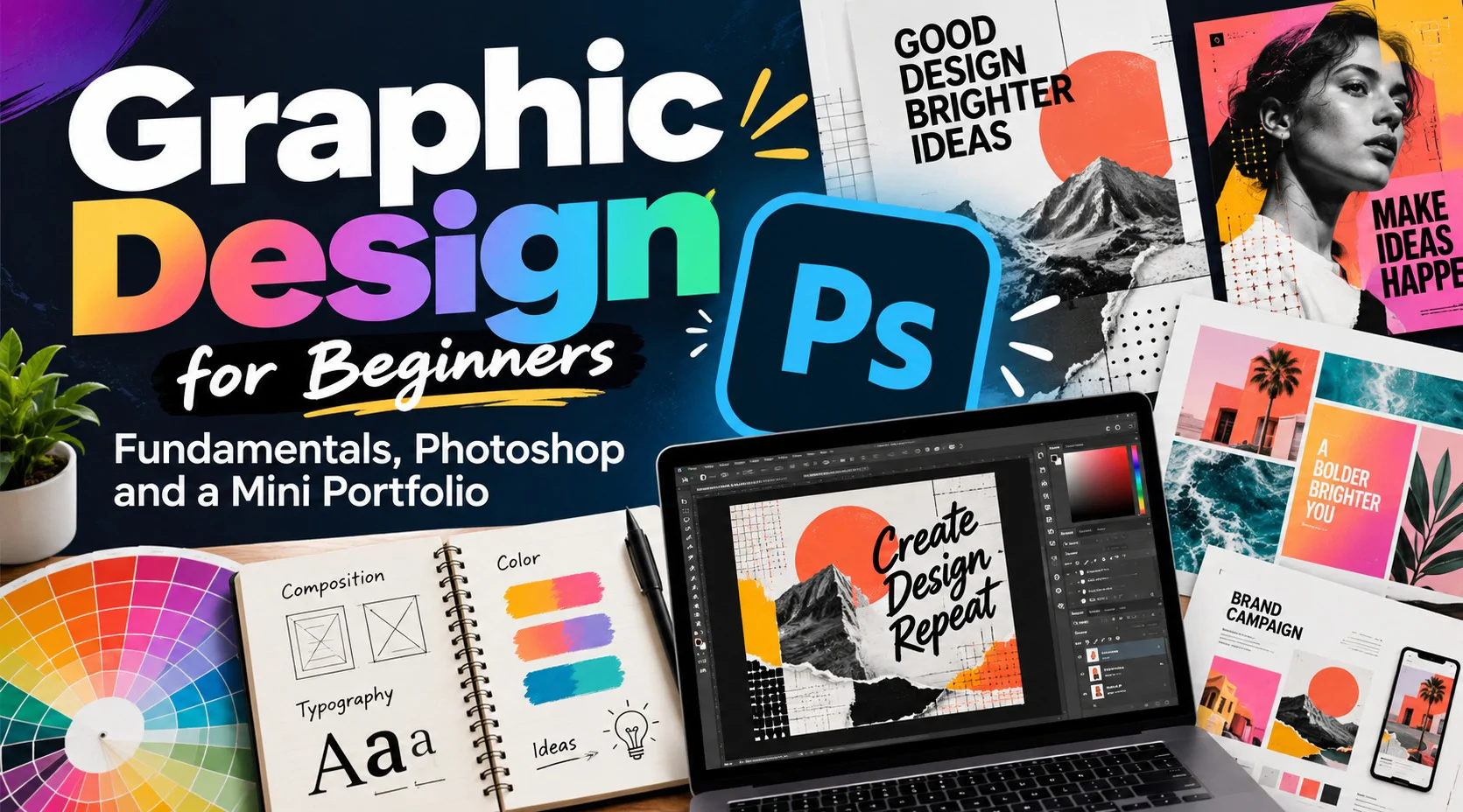
A first design usually looks off for reasons the designer cannot name yet. This pack names them one at a time (who the piece is for, where the eye lands, which colors agree, which fonts help) and then gives you Photoshop as the place to put the fixes to work. Over eight sessions you collect a small body of work: a design analysis, a composition study, a palette sheet, a type-led graphic, a cut-out edit, a social post or poster, and a matching campaign set. No design or Photoshop background is needed. A trial copy of Photoshop is enough, and the early sessions also work in any editor you already own.
Session# 1: Looking at Design Before Making It
1Hr
Take two or three real posters, posts or packages apart and answer three questions about each: who it speaks to, what it asks the viewer to do, and which visual choices carry that message. You also see how print and screen work change the way a piece is built, and finish with a half-page analysis in your own words.
Session# 2: Composition and Visual Weight
1Hr
Arrange a set of ready-made text blocks and plain shapes twice, first by instinct and then with hierarchy, alignment, contrast, balance, spacing and a simple grid in mind. Put the two versions side by side and judge which one reads faster and why.
Session# 3: Color and Mood
1Hr
The color wheel becomes a practical tool here. You separate warm from cool, try complementary and analogous pairs, and keep a palette small enough to control. Build three palettes for three different moods, check that text stays readable on each background, and apply your favorite to a simple layout.
Session# 4: Typography and Hierarchy
1Hr
Sort typefaces into families and learn why some pairs agree and others fight. Size, weight, spacing and alignment become the levers you use to tell a reader where to look first. The task is a quote or event announcement that sticks to two families, and you revise it once after feedback.
Session# 5: Photoshop Essentials
1Hr
From here the work moves into Photoshop. You get to know the workspace and panels, start a document at a sensible size and resolution, then practice with layers, the move and transform tools, text and shapes. You close the hour with a small layered composition, saved as an editable PSD.
Session# 6: Images, Selections and Masks
1Hr
Place a photograph, crop it and transform it, then isolate a subject with a selection. A layer mask lets you hide parts of the image instead of erasing them, so every edit can be reversed. You produce a tidy cut-out, or two photos blended into one, and talk through image quality and where to find pictures you may legally use.
Session# 7: Project: A Social Post or Poster
1Hr
Turn a short brief into a concept for an imaginary event, a small shop or a personal project. You choose the dimensions, combine type, imagery and color, check alignment and readability, and export a version for screens. By the end there is one finished piece to show.
Session# 8: Campaign Set, Export and Portfolio
1Hr
Start from the feedback on your project piece and refine it, then extend the same idea into a main poster with two matching social posts. Learn how to name and organize files, how export choices differ for screen and print, and how to explain a design decision in a few plain sentences. The best exercises from the pack are gathered into a mini portfolio.
Read a design for its audience, purpose and message and write a short analysis of it
Lay out text and shapes two ways and decide which one reads faster and why
Build three small color palettes for three moods and test text on each background
Pair two typefaces and set a quote or an event announcement with a clear hierarchy
Use Photoshop layers, text, shapes, selections and layer masks to build and edit an image
Turn a brief into a social post or poster, extend it into a campaign set and export it
A computer that runs Adobe Photoshop, and a trial version is enough
A few copyright-safe photos and fonts to practice with
No earlier design or Photoshop experience is needed
Driven by a passion for both tactile and digital mediums, I offer specialized freelance services that bridge the gap between surface design and brand identity. My work focuses on bringing technical precision and creative depth to every project, ensuring every design is as functional as it is aesthetically compelling.
| Language | Spoken Level |
|---|---|
| Urdu |
|
| English |
|
No reviews yet for this teacher.