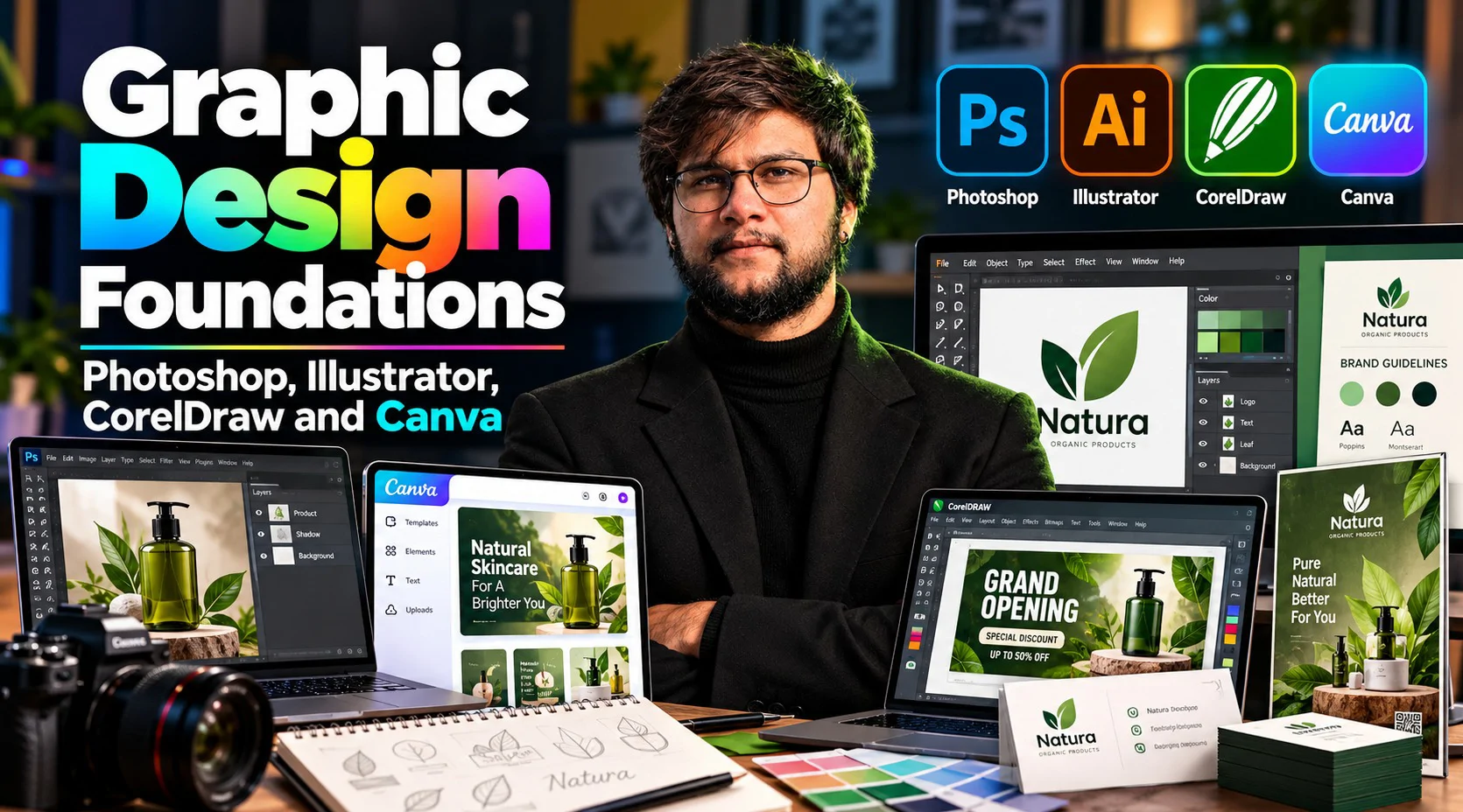


Each design program does one job best: Photoshop for photos, Illustrator for logos and artwork, CorelDraw for print layouts and Canva for fast social graphics. Knowing which one to open is half the skill, so this pack teaches all four through a single project. You pick a small business, yours or an imagined one, and build its identity step by step: a brief, a logo, edited photos, a social media kit and printed pieces. The six sessions are practical from the start and written for complete beginners; no experience in any of the programs is assumed. Expect a first working knowledge of four tools rather than deep skill in one. Bring a laptop that has Photoshop, Illustrator and CorelDraw installed; Canva runs in the browser.
Session# 1: Design Principles and the Brand Brief
1Hr 30Min
Four programs share one set of rules, so start there: how to align elements, create contrast, guide the eye, use space, pick colors and choose type. Choose your practice business, then write a one-page brief covering its audience, mood, colors and fonts. A short tour of the four programs shows which job each one suits, and where each piece of your brand will be made.
Session# 2: Illustrator Basics: Artboards, Shapes and Clean Curves
1Hr 30Min
Open Illustrator and draw with vectors from the first minute. Set up an artboard, build and combine shapes, and work the Pen tool in short exercises so that curves land where you want them. You see why vector artwork stays sharp at any size, and you end the session with rough marks for your brand.
Session# 3: From Sketch to Logo: Colors, Fonts and File Formats
1Hr 30Min
Turn the brief into a logo. Sketch several ideas on paper, rebuild the strongest one in Illustrator, and test it small and in a single color. Then lock the brand colors and fonts, and save the logo in the file types the other programs will need.
Session# 4: Photoshop Basics: Layers, Cut-Outs and Photo Clean-Up
1Hr 30Min
Bring photography into the brand. Learn how layers and masks work, cut a subject out of its background, and clean up a photo by removing blemishes and correcting color. Finish by placing your logo on the edited photo and exporting it for the web.
Session# 5: Canva: A Social Media Kit from Your Brand
1Hr 30Min
Canva is the fast lane once the brand exists. Add your colors, fonts and logo, then build a post, a story and a profile cover around your edited photo. Turn each into a template so the next announcement takes minutes, and check the sizes before you export.
Session# 6: CorelDraw for Print and the Final Review
1Hr 30Min
Take the brand to paper. In CorelDraw, lay out a card with your contact details and a flex banner at their real print sizes, allow for bleed and keep text inside a safe area, and see why print files use CMYK rather than RGB. Then gather the whole project in one folder, with the logo files, edited photo, social templates and print files, and review it against your original brief.
Write a one-page brand brief for a small business
Draw simple marks and build a logo in Illustrator
Cut out and clean up a photo in Photoshop
Make a post, story and profile cover template set in Canva
Lay out a card and a banner for print in CorelDraw
Bring logo, photo, social kit and print files together in one brand folder
A laptop with Photoshop, Illustrator and CorelDraw installed
A free Canva account is enough
A small business, yours or imagined, to build the brand for
Results-driven E-Commerce Specialist with extensive experience in building, scaling, and optimizing profitable online stores across major platforms like Amazon, Shopify, Daraz, and WooCommerce. Proven expertise in product research, digital marketing, conversion rate optimization (CRO), and end-to-end store operations. Passionate about empowering the youth and digital entrepreneurs by bridging the gap between theory and practical, market-ready skills. Key Expertise: Platforms: Shopify, Amazon (FBA/FBM), WooCommerce, Daraz setup & management. Marketing & Growth: Meta/Google Ads, SEO, social media strategy, and sales funnels. Operations: Inventory management, product listing optimization, and customer analytics. Teaching Approach: I believe in a practical, hands-on learning approach. My goal is to equip students with real-world skills to launch successful online stores, master digital business, and achieve financial independence.
| Language | Spoken Level |
|---|---|
| Urdu |
|
| English |
|
No reviews yet for this teacher.