Login to Skillfora and resume your professional growth.


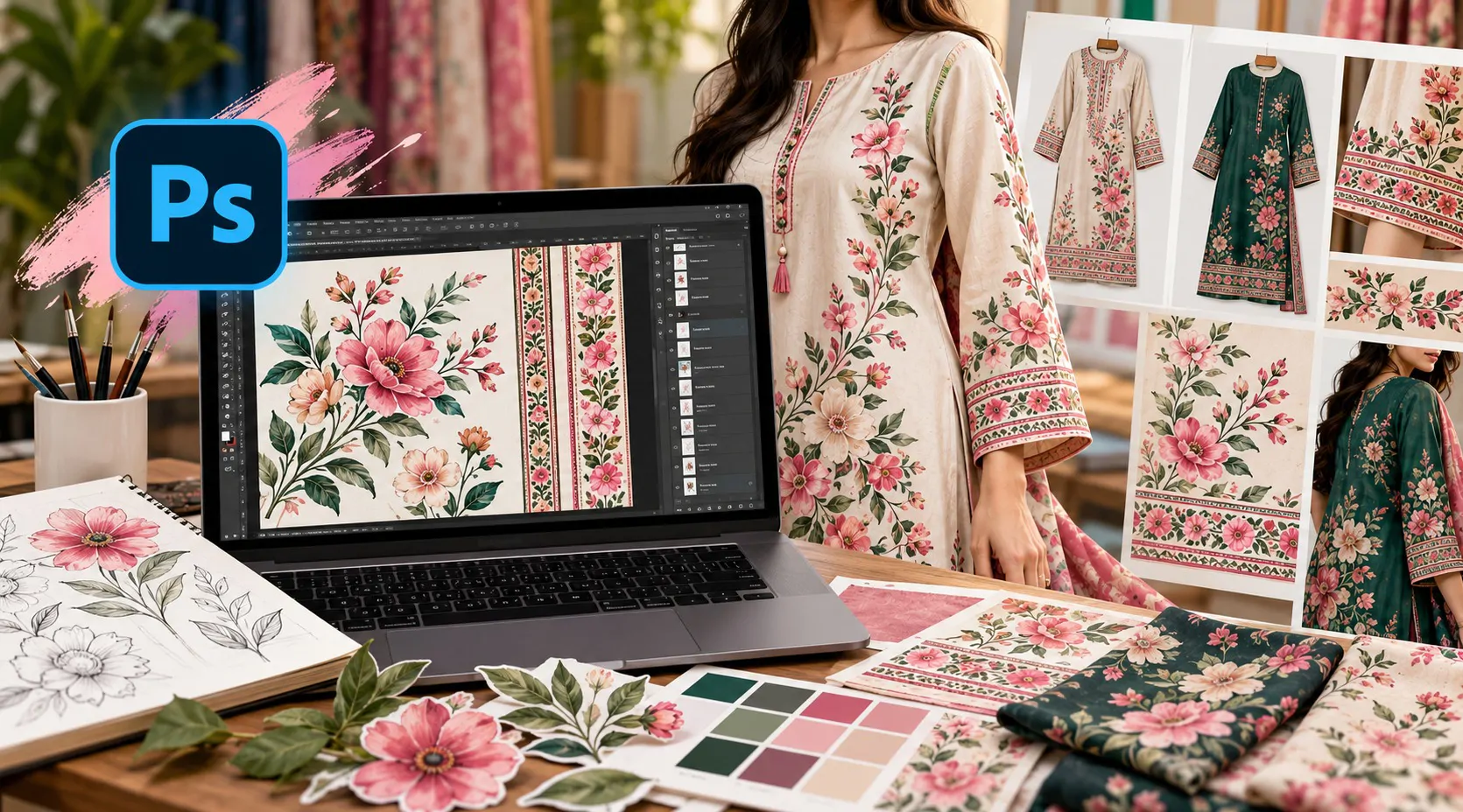
A flower on a screen and a flower on a sleeve are different design problems. This pack follows one floral print from a loose set of motifs to a finished placement on a garment: a spray of blooms and leaves, a patterned border band, two colorways and a mockup that shows how the design would sit on a kurta or a similar piece. You work in Photoshop on a large square canvas, keep every motif on its own layer, and end with a layered file plus preview images you could show a customer or a tailor. Bring motifs you have drawn and scanned, or artwork you have the right to use.
Session# 1: Reading a Garment and Setting Up the Canvas
1Hr
Prints behave differently depending on where they sit: all-over repeats, placement prints on a sleeve, panel or hem, and narrow border bands. Look at a few examples, choose a theme and a garment area for your own design, then open a large square canvas in Photoshop and learn the layer and group controls the rest of the pack relies on.
Session# 2: Preparing Your Motifs
1Hr
Scan or photograph a sketch, or open artwork you are licensed to use, and cut each bloom, bud and leaf out with selections and masks. Clean the edges, keep every piece on a named layer so it can be reused, and note where each one came from. This is the step that makes the later sessions fast.
Session# 3: Composing the Spray
1Hr
Duplicate, flip, scale and rotate your motifs along a curved stem line until the spray feels grown rather than pasted. You work on rhythm, direction and empty space, group the layers neatly, and test the arrangement on a flat fabric-style color fill.
Session# 4: Color Palettes and the Border Band
1Hr
Take a palette from your motifs and try it on two fabric colors, keeping a second colorway inside the same file with adjustment layers. Then build a narrow border band from simple repeated shapes, using guides and a pattern fill, and position it so it frames the spray without competing with it.
Session# 5: Garment Mockup and Final Files
1Hr
Drop the finished artwork onto a garment mockup template as a smart object, then adjust scale, position and shading until it looks right on the sleeve or panel. Show both colorways on one presentation board. Before exporting, ask the printer or tailor which size and color mode they need, and save the layered PSD, preview images and a high-resolution copy.
Choose a print placement for a garment: all-over repeat, sleeve, panel, hem or border band
Set up a large square Photoshop canvas and keep every motif on a named layer in a group
Cut blooms, buds and leaves out of a scan or licensed artwork with selections and masks
Compose a floral spray along a stem line by duplicating, flipping, scaling and rotating motifs
Build a palette from the motifs and keep a second colorway in the same file
Place the finished print on a garment mockup and save a layered file with preview images
Photoshop on a computer, a trial copy works, and layers are explained in the first session
Motif artwork you drew and scanned, or artwork you have the right to use
A garment mockup template, a free one is fine
Driven by a passion for both tactile and digital mediums, I offer specialized freelance services that bridge the gap between surface design and brand identity. My work focuses on bringing technical precision and creative depth to every project, ensuring every design is as functional as it is aesthetically compelling.
| Language | Spoken Level |
|---|---|
| Urdu |
|
| English |
|
No reviews yet for this teacher.