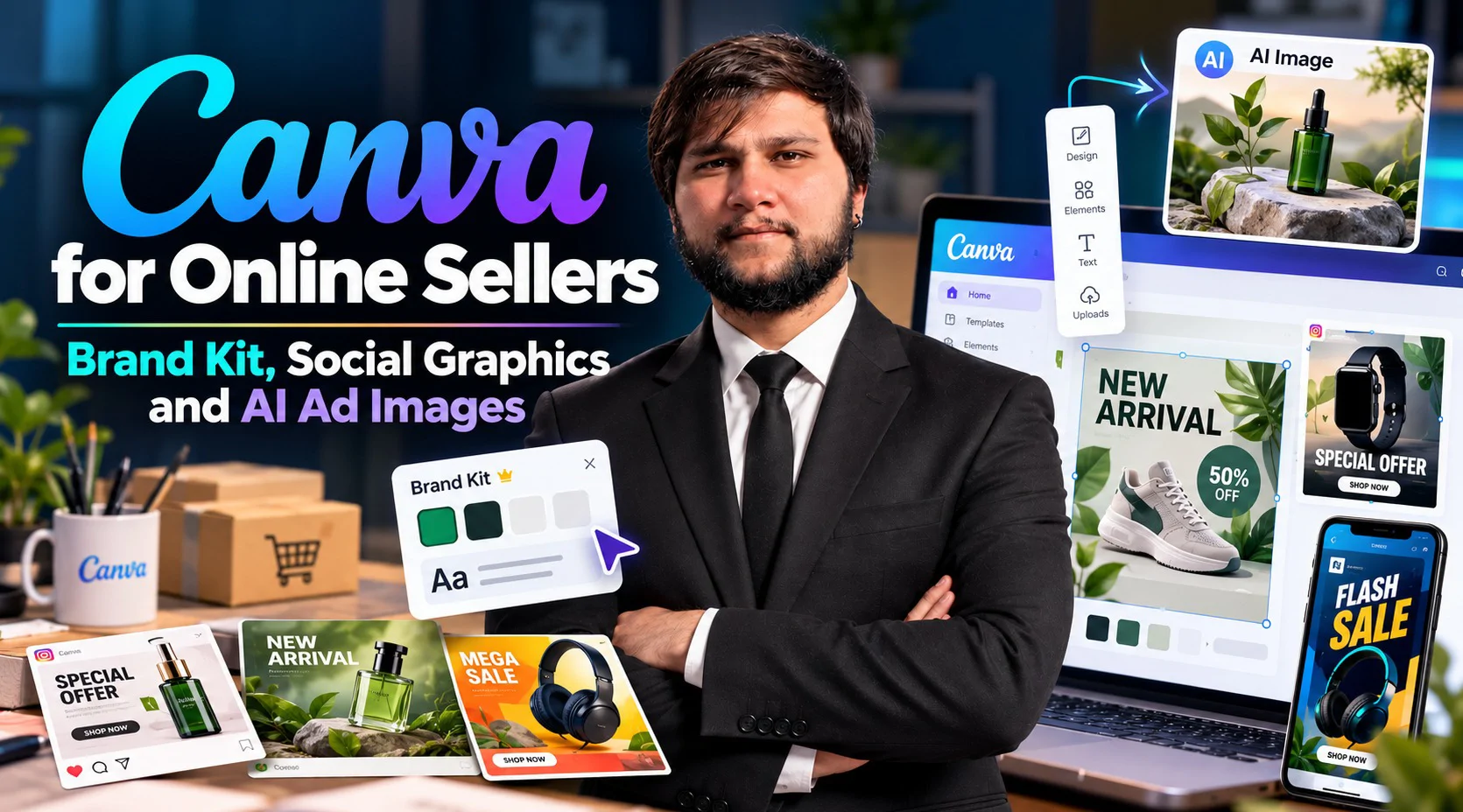


Why does one product listing look trustworthy while another looks careless? Usually the gap is design basics, not talent. This pack teaches those basics and puts them to work in Canva, which you can start using on a free plan, then adds AI image generators for ad visuals when a photo shoot is not possible. The five sessions are hands-on from the first minute, and you finish with a small set of real assets: a brand kit, social posts and banners, product graphics, a short animated post and three ad creatives. No design experience is needed. Bring a laptop and a Canva account; the free plan is enough to start.
Session# 1: Design Basics and the Canva Workspace
1Hr
Good design follows a few rules that can be learned in an afternoon: alignment, contrast, spacing, a limited color palette and readable type. See each rule at work, then open Canva, learn the workspace and set up a brand kit with your own colors, fonts and logo. The session ends with your first finished graphic, made from a template and adjusted until it looks like yours.
Session# 2: Social Posts, Banners and Marketplace Graphics in Canva
1Hr
Every place you publish asks for a different size. Build a post for Facebook and Instagram, a store banner and a marketplace-style product graphic, check each one for the right dimensions and file type, and turn one design into a reusable template. You also learn how to keep a whole set of graphics looking as if one brand made them.
Session# 3: Product Graphics, Sale Banners and Listing Infographics
1Hr
Selling online means explaining a product at a glance. Design a feature-callout graphic, a sale banner and a simple infographic for a product listing, using clear hierarchy so the price or the key benefit is read first. You also build a small template set for sales and new arrivals that you can reuse each time an offer changes.
Session# 4: Stories, Reel Covers and Short Animated Posts
1Hr
Motion catches the eye in a crowded feed, and Canva can animate a design without any video skills. Create a story, a reel cover and a short animated promo from one design, add text animation and music from the library, and export in the formats Instagram and Facebook accept. Keep each piece short, readable without sound and consistent with your brand.
Session# 5: AI Images for Ads and Your Final Creative Set
1Hr
AI image tools can place a product in a convincing scene within minutes, and they can just as easily produce a misleading one. Write prompts for ad visuals, refine the results in Canva, and learn where AI images are safe to use and where the real product must be shown as it is. Then finish and review three ad creatives that share your brand kit.
Use basic design rules to make clean, readable graphics
Set up a brand kit with your own colors, fonts and logo in Canva
Build posts, banners and marketplace graphics at the right sizes
Design product graphics, sale banners and listing infographics
Create stories, reel covers and short animated posts from one design
Write prompts for AI ad images and use them without misleading buyers
Finish three ad creatives that share one brand look
A laptop and a Canva account, the free plan is enough to start
A stable internet connection
A product or small business to design for, a practice one is fine
Results-driven E-Commerce Specialist with extensive experience in building, scaling, and optimizing profitable online stores across major platforms like Amazon, Shopify, Daraz, and WooCommerce. Proven expertise in product research, digital marketing, conversion rate optimization (CRO), and end-to-end store operations. Passionate about empowering the youth and digital entrepreneurs by bridging the gap between theory and practical, market-ready skills. Key Expertise: Platforms: Shopify, Amazon (FBA/FBM), WooCommerce, Daraz setup & management. Marketing & Growth: Meta/Google Ads, SEO, social media strategy, and sales funnels. Operations: Inventory management, product listing optimization, and customer analytics. Teaching Approach: I believe in a practical, hands-on learning approach. My goal is to equip students with real-world skills to launch successful online stores, master digital business, and achieve financial independence.
| Language | Spoken Level |
|---|---|
| Urdu |
|
| English |
|
No reviews yet for this teacher.