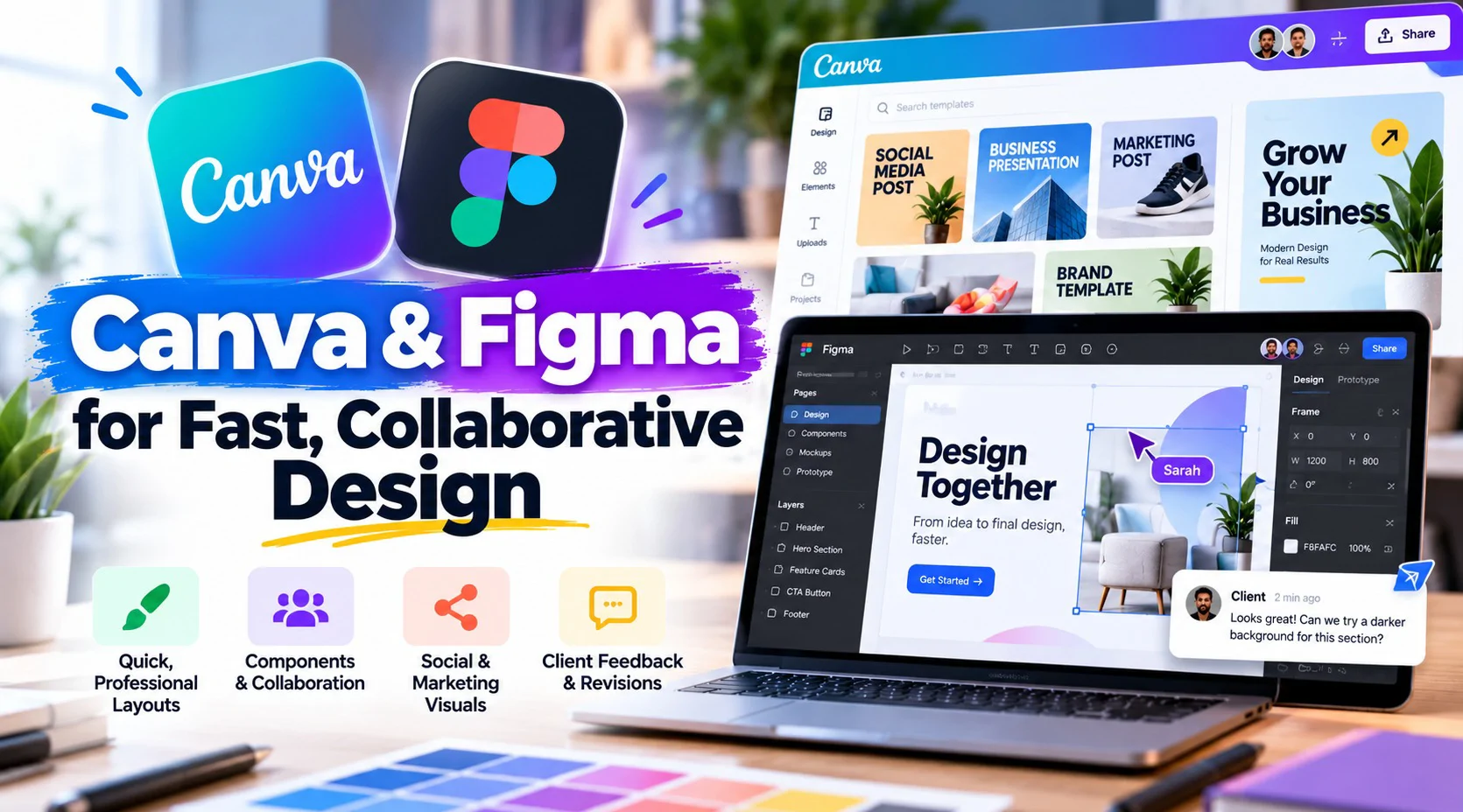

A client who needs a mockup by end of day doesn't care how Photoshop works - they need something they can react to, fast. This pack covers Canva and Figma for exactly that: quick, professional layouts and prototypes, plus the comment-and-revise workflow that real client timelines run on.
Session# 1: Session 1 - Canva for Fast, Professional Layouts
1Hr
Use templates and brand kits to produce polished layouts quickly, without starting every design from a blank page.
Session# 2: Session 2 - Figma Basics: Frames, Components & Collaboration
1Hr
Get comfortable with Figma’s workspace, frames, and components, and understand what makes it different from a static design tool.
Session# 3: Session 3 - Social & Marketing Visuals, Built to Scale
1Hr
Build a repeatable visual system across Canva and Figma for ongoing content needs instead of one-off graphics.
Session# 4: Session 4 - Handoff & Client Collaboration in Figma
1Hr
Use Figma’s commenting and sharing features to run a real client feedback and revision loop.
Produce polished layouts quickly in Canva using templates and brand kits instead of starting from a blank page.
Navigate the Figma workspace and build with frames and components.
Build a repeatable visual system across Canva and Figma for ongoing social and marketing content.
Run a client feedback and revision loop using the commenting and sharing features in Figma.
No prior Canva or Figma experience required.
Canva and Figma accounts - both offer free plans.
A computer with internet access.
I've worked as a professional designer since 2001. My career began at Al Nahda Printing Press in Oman, designing books, magazines, brochures and packaging for print. Since then I've moved into branding, marketing design and web design, working with agencies, educational institutions and international clients, and I'm Top Rated Plus on Upwork. My lessons focus on the skills clients pay for: Adobe Photoshop, Illustrator and InDesign Figma and Canva for fast, professional layouts Logos, brand identity and social media creatives Brochures, catalogues and print-ready artwork Presentations and marketing visuals AI tools like Adobe Firefly in a design workflow Sessions are practical. We work on real briefs, and I explain why a design works, not just which buttons to press. Whether you're a beginner or building a freelance career, you'll finish each lesson with work for your portfolio.
| Language | Spoken Level |
|---|---|
| Urdu |
|
| English |
|
No reviews yet for this teacher.